Read slowly. Remember more.
SnailRead is a calm home for deep reading. Open your PDFs and EPUBs in a clean, distraction-free space — highlight what matters, keep your notes in one place, and let an optional AI explain anything you don’t understand.
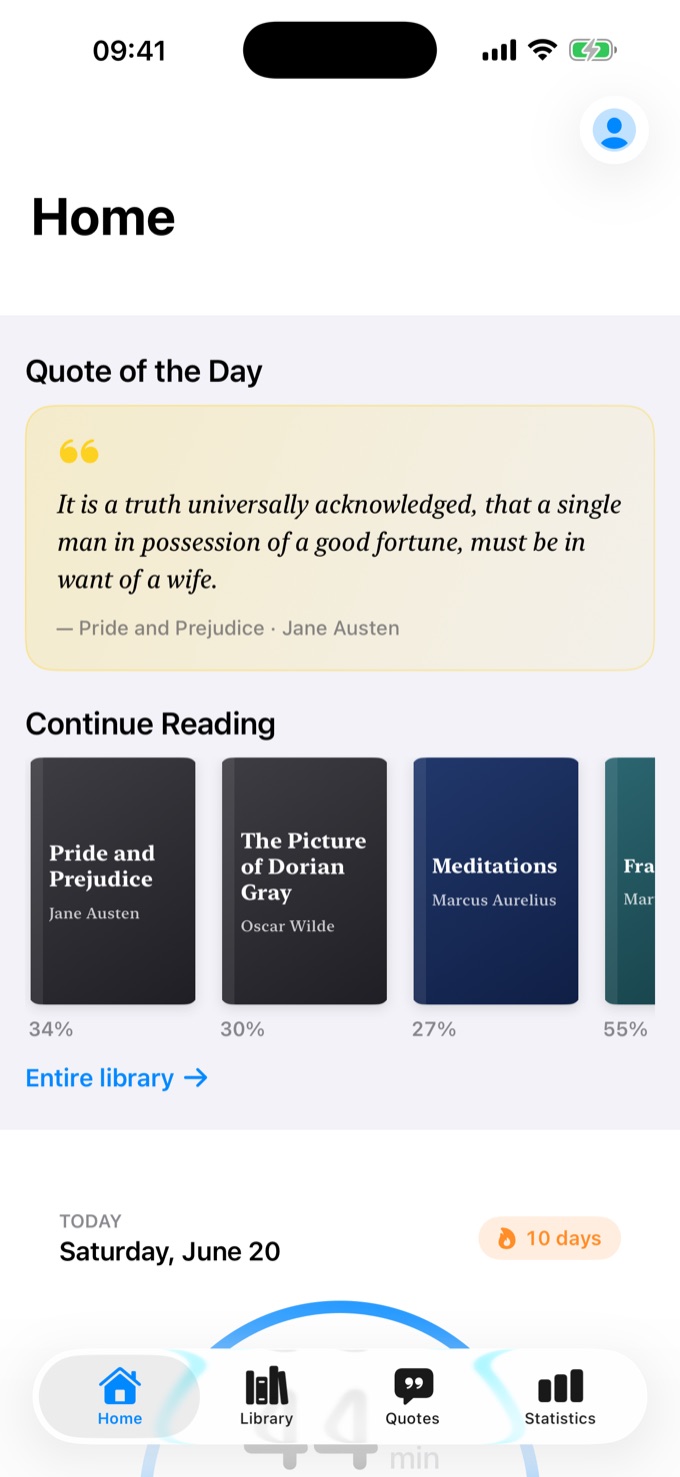
A space made for deep reading.
PDF and EPUB open in one clean, distraction-free reader — no endless scrolling, no clutter. Pick your typography, margins, and theme, then disappear into the page.
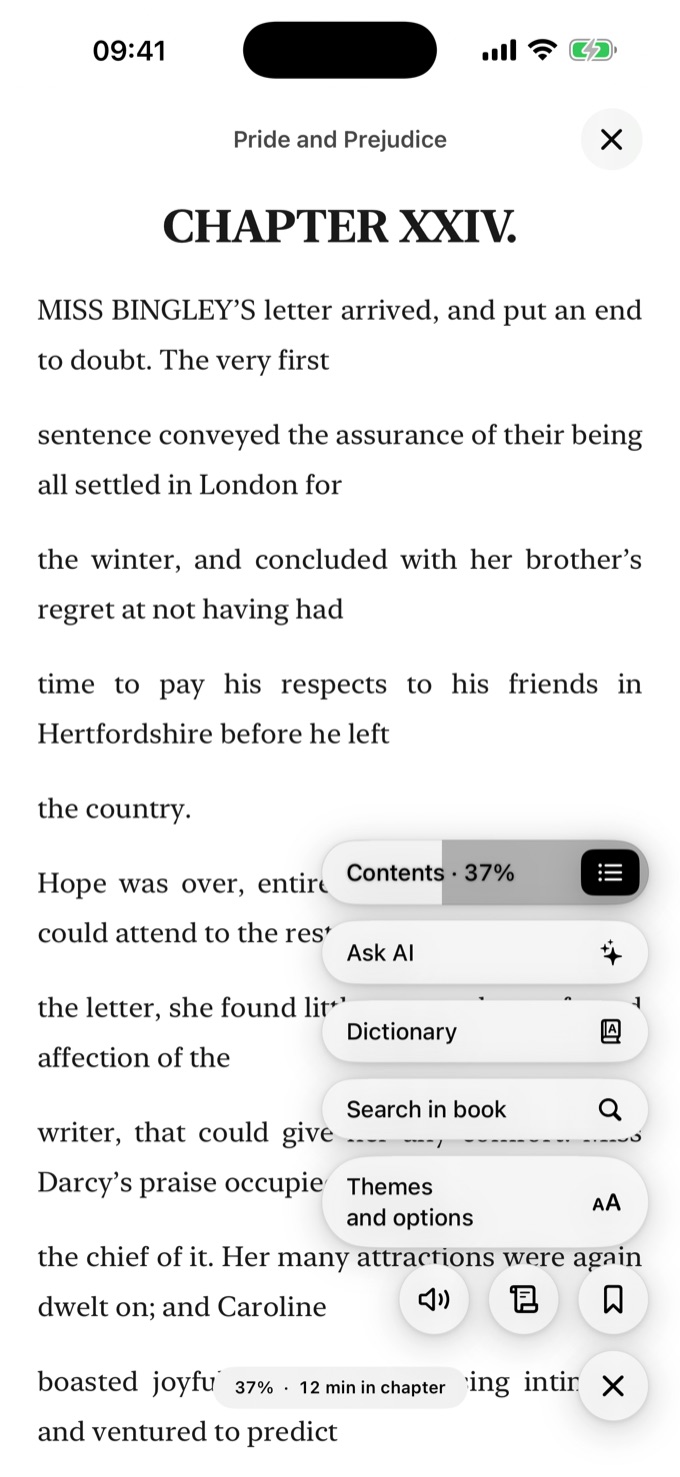
Keep every line worth keeping.
Highlight in a tap, add a note in your own words, and save passages as beautiful image quotes. Everything you mark collects in one place you’ll actually revisit.
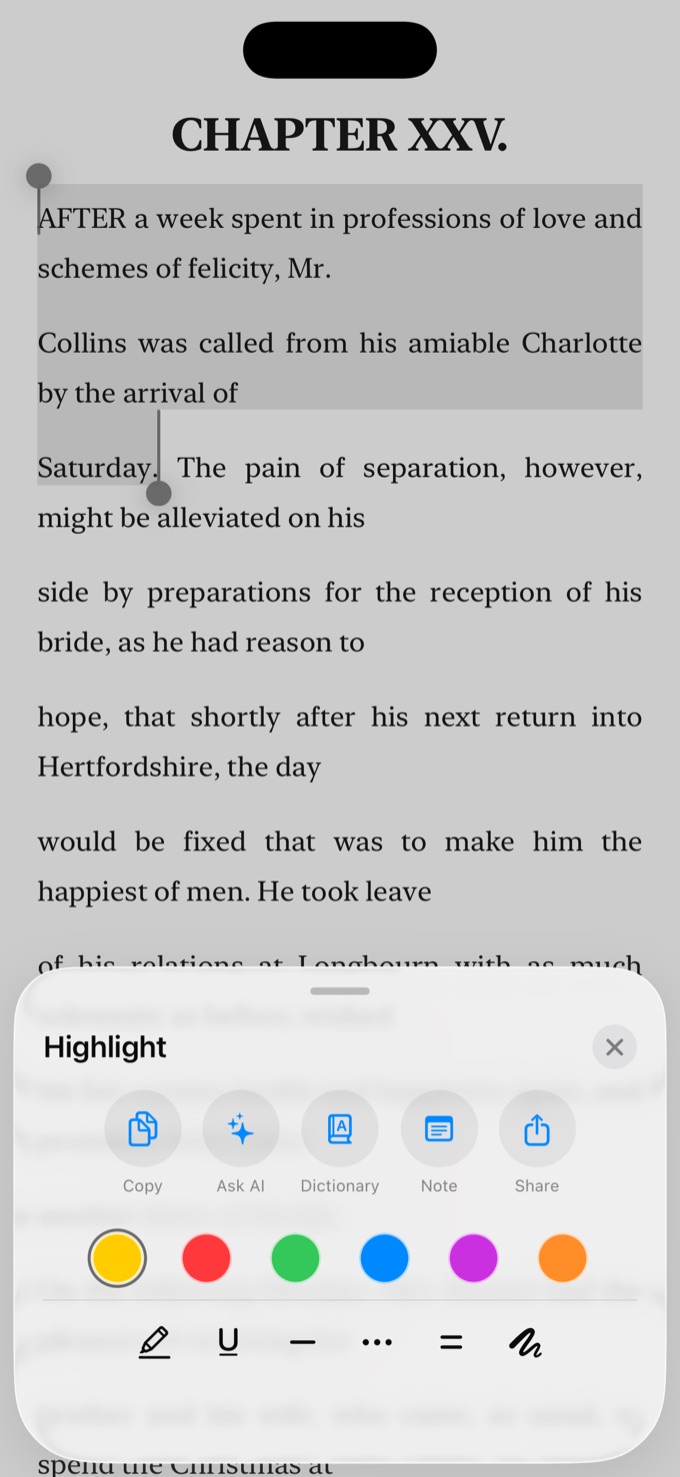
See yourself read.
Gentle streaks, reading goals, and a Year in Books that celebrates what you finished — reflection, never pressure. Time spent, pages turned, books completed, quietly tracked.
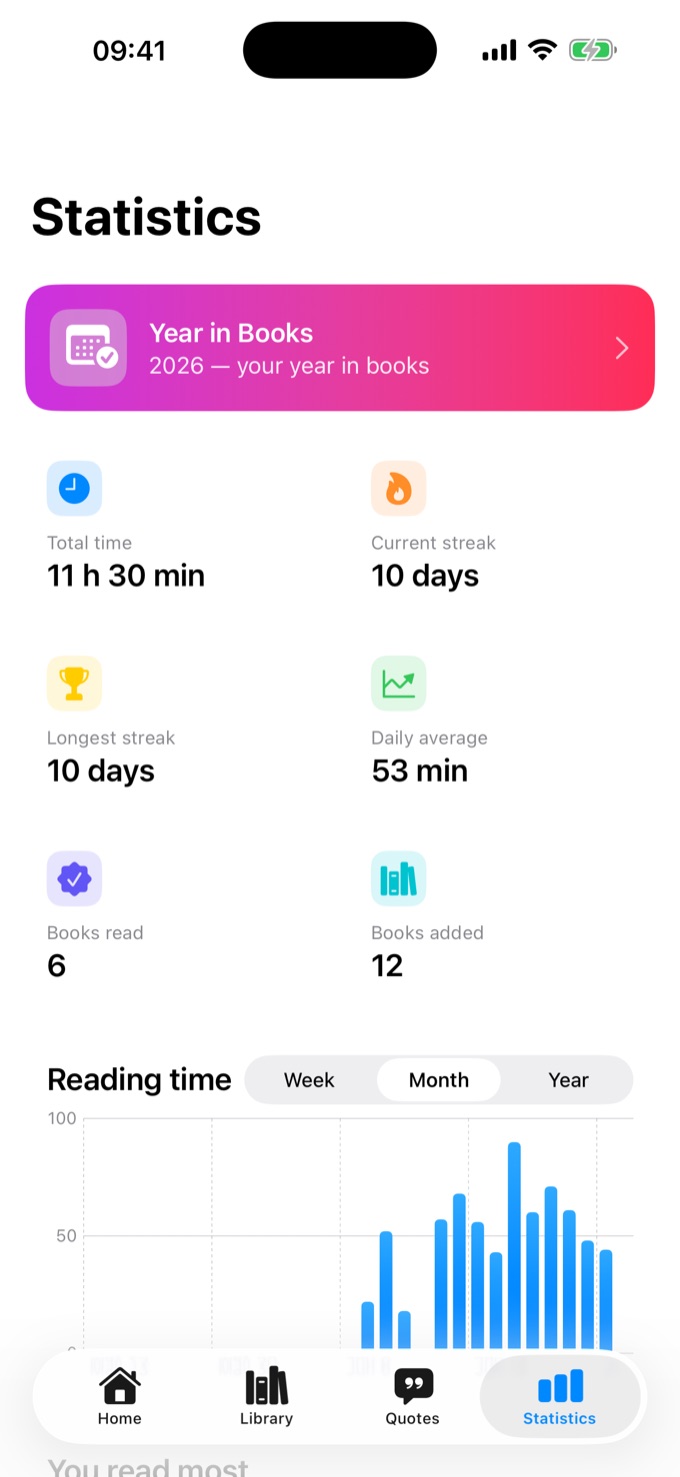
Make it yours.
Warm paper, soft sepia, true dark, and accent colors to match your mood. Fine-tune font, size, spacing, and width until the page feels exactly right.
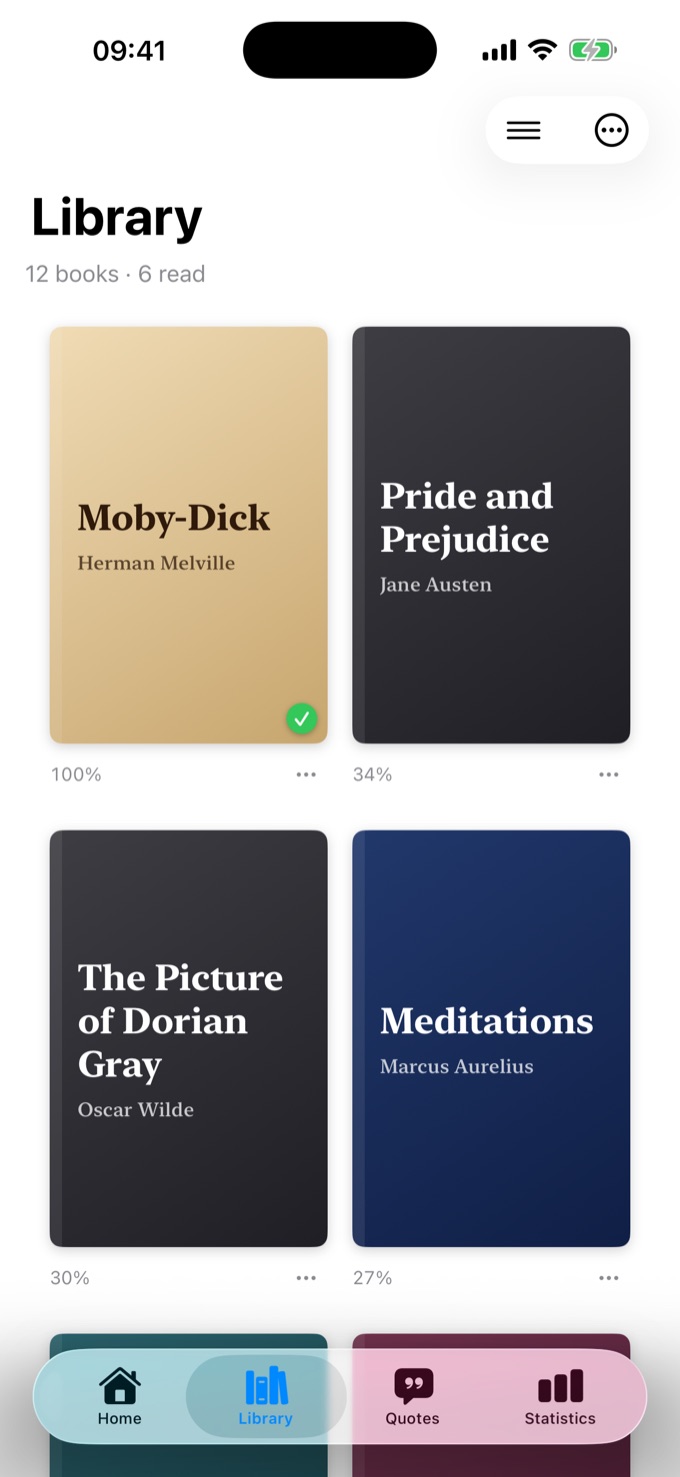
Your whole library, in order.
Organize with Collections, pull books straight from OPDS catalogs like Calibre and Komga, and even convert DjVu and other formats to readable files. Everything in one calm place.
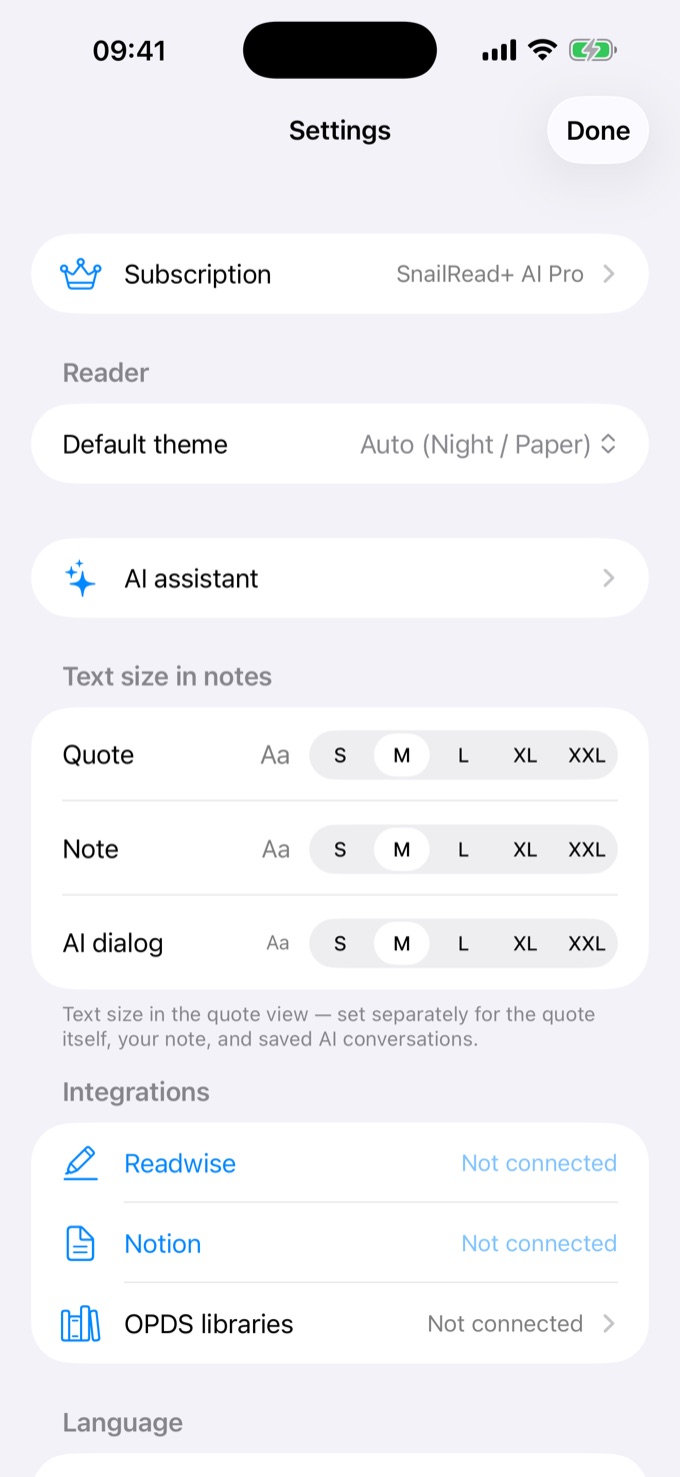
A patient reading companion — only when you ask.
Stuck on a passage? Ask for a plain-language explanation. Tap a word for an in-context definition. Finished a chapter? Get a short recap. AI never gets in the way — it waits until you want it.
And a few more things.
Listen aloud
Text-to-speech with auto-scroll, adjustable speed, and highlight-as-it-reads.
Home & Lock widgets
Continue Reading, Quote of the Day, your streak and Year in Books — right on your screen.
In-context dictionary
Tap any word for a definition, and keep a personal word list per book.
Bookmarks
Drop anchored bookmarks and jump back the moment you have time.
Friends
Privacy-first sharing — swap quotes and reactions with friends, or keep everything to yourself.
iCloud sync
Start on iPhone, finish on iPad. Your library, notes, and progress follow you.
Image quotes
Snip a passage and save it as a shareable card, snapped neatly to the text.
33 languages
The whole app is localized, with live switching — read in your language.
Simple pricing.
Free to download. Upgrade only if you want more — cancel anytime.
Forever
Read PDFs and EPUBs, highlight, take notes, and track your reading — fully on-device.
$14.99 / yr · $39.99 lifetime
Unlimited highlights and notes, every theme and customization, Collections, OPDS, and format conversion.
$39.99 / yr
Everything in Plus, plus the AI assistant: explanations, dictionary, and chapter recaps. Monthly credits included.
$79.99 / yr
Everything in AI with a generous monthly credit budget — built for heavy readers.
Prices shown in USD. You’re charged in your region’s currency.
Subscriptions renew automatically at the end of each period unless cancelled at least 24 hours before renewal. Payment is charged to your Apple ID. Manage or cancel anytime in Settings → Apple ID → Subscriptions.
For people who finish the book.
SnailRead is for people who want to read deeply and remember more — not race to the end. The stats here celebrate what you finished; they never nag you to read faster. No noise, no infinite feed. Just your library, your notes, and the time you choose to give them.
Frequently asked.
Does it work offline?
Yes. Reading, highlighting, notes, and your library all work fully offline. iCloud sync runs quietly in the background when you’re online.
Do I need an account?
No. The core reading experience works without any account. Sign in with Apple is only needed for iCloud sync, the AI assistant, and the optional Friends feature.
Where is my data stored?
Your books, highlights, and notes live on your device and in your private iCloud — not on our servers. Only Friends and reading-stats metadata is stored server-side, and only when you sign in.
How does the AI handle my reading?
A passage is sent to the AI provider only when you actively ask. It’s used to answer that one request and is not stored afterward. The app never streams your library in the background.
Can I cancel anytime?
Yes. Cancel in Settings → Apple ID → Subscriptions on any Apple device. You keep access until the end of the current billing period.